
Heading: The Problem with Traditional RAG in n8n
Building a RAG system in n8n usually feels like assembling IKEA furniture without instructions. You need to:
- Extract text from a PDF.
- Chunk the text (split it into pieces).
- Generate embeddings (using OpenAI or others).
- Upload to a Vector Database (Pinecone, Qdrant, Supabase).
- Query the database and feed it back to the LLM.
That is 5 distinct steps just to ask a question about a document.
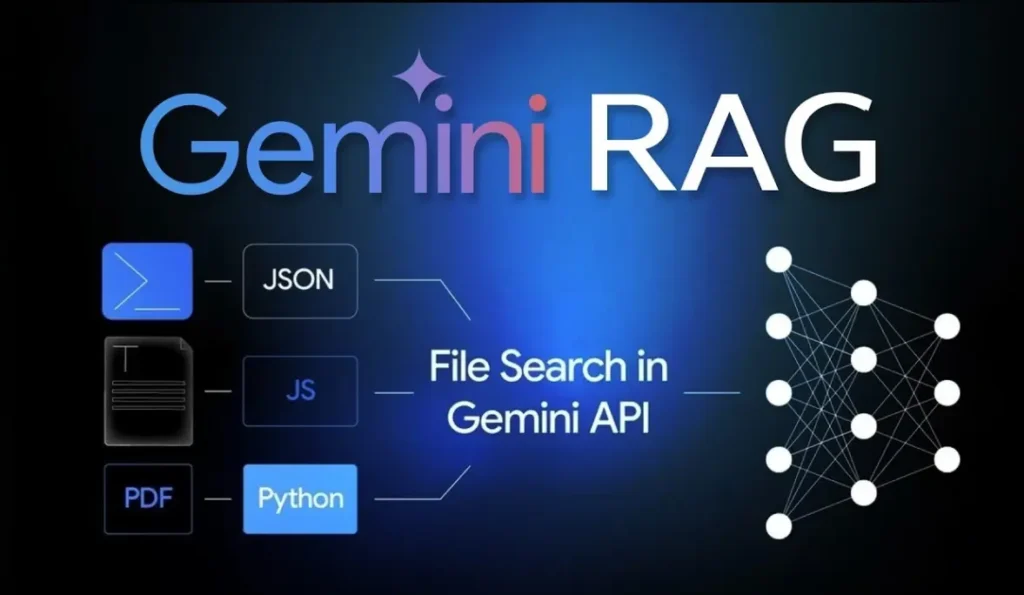
The Solution: Gemini API “File Search”
Google’s Gemini API File Search handles steps 2, 3, and 4 automatically. You upload a file, and Google handles the chunking, embedding, and storage. You just ask questions.
Since the native n8n Google Gemini node focuses mostly on standard chat and vision, we will use the HTTP Request Node to unlock this powerful “Managed RAG” capability.
Step 1: Get Your API Key
- Go to Google AI Studio.
- Create a free API Key.
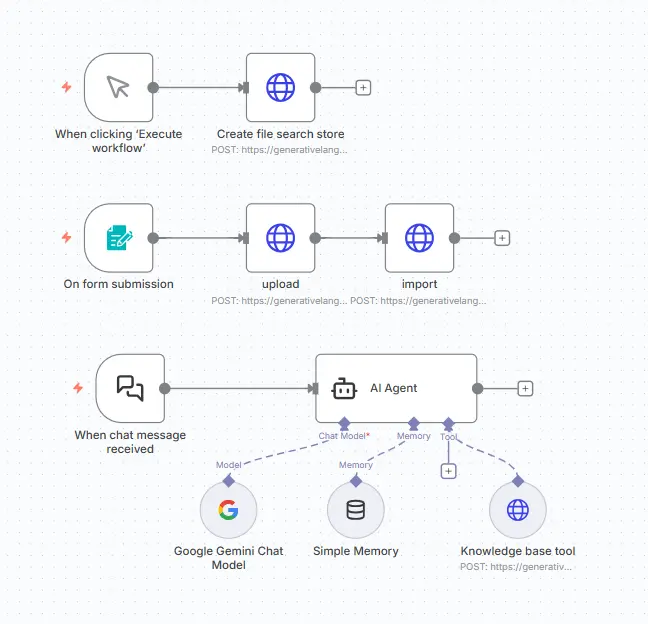
Step 2: Create a File search store
Node Type: HTTP Request
Method: POST
URL: https://generativelanguage.googleapis.com/v1beta/fileSearchStores?key=${GEMINI_API_KEY}
Headers: Content-Type: application/json
Body :
            Body Content Type : JSON
            Specific Body : Using JSON
            JSON : { "displayName": "My Store" }
After Execute workflow it gives Store name like fileSearchStores/my-store-********** Save it for later operation
step 3: Upload and import files
Use First node as Form submission node / google drive node. So we get binary file for our document.
Second Node :: Upload file
Node Type: HTTP Request
Method: POST
URL: https://generativelanguage.googleapis.com/upload/v1beta/files?key=${GEMINI_API_KEY}
Header: Content-Type : application/json
Body :
Body Content Type : n8nBinary file
Input Data field name : File
After this node we get file_name
Third node :: Import file to File Search Store
Node Type: HTTP Request
Method: POST
URL: https://generativelanguage.googleapis.com/v1beta/${STORE_NAME}:importFile?key=${GEMINI_API_KEY}
Header: Content-Type : application/json
Body :
Body Content Type : JSON
Specific body : Using field below
Parameter : file_name : {{ $json.file.name }}
## Replace {STORE_NAME} TO fileSearchStores/my-store-********** (from step 2)
step 4: The “Magic” Query (The RAG Request)
Node Type: HTTP Request
Method: POST
URL: https://generativelanguage.googleapis.com/v1beta/models/gemini-2.5-flash:generateContent?key=${GEMINI_API_KEY}
Header: Content-Type : application/json
Body :
Body Content Type : JSON
Specific body : Using JSON
JSON : {
“contents”: [{
“parts”:[{“text”: “YOUR QUERY”}]
}],
“tools”: [{
“file_search”: { “file_search_store_names”:[“{STORE_NAME}”] }
}]
}