
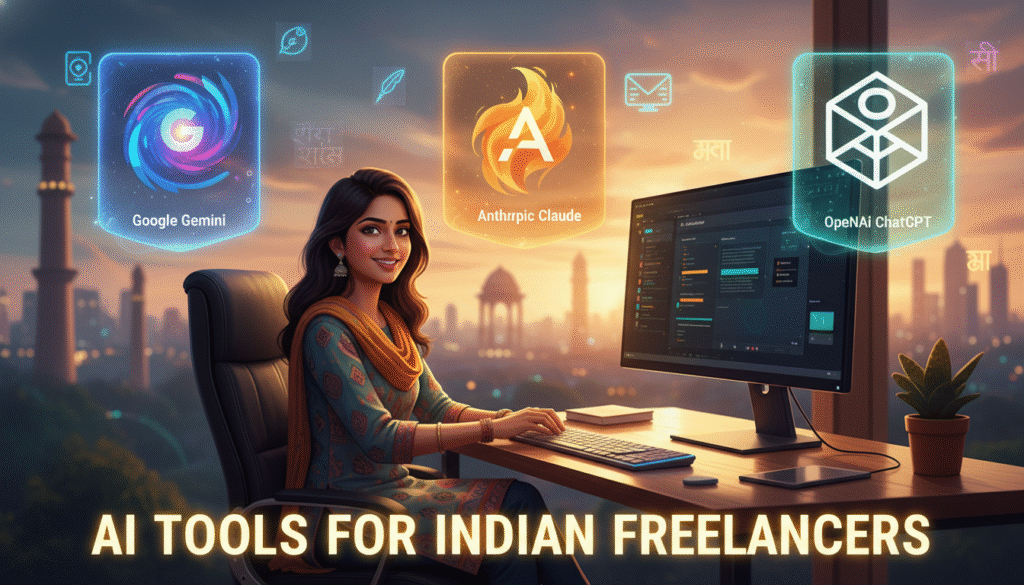
If you’re an Indian freelancer, there’s a good chance “Which AI tool should I use?” has crossed your mind, probably more than once. With clients demanding faster turnarounds and top-notch work, picking the right AI assistant isn’t just nice—it’s crucial. After all, your income and reputation can hinge on that choice.
But with so many options, it’s easy to feel lost. Should you go for Google Gemini, Anthropic Claude, or ChatGPT by OpenAI? Don’t worry; you don’t need a CS degree or hours of research. In this practical guide, we’ll break down the pros and cons for AI tools for Indian freelancers—so you can stop guessing and pick what truly works for your workflow and wallet.
Quick Overview: Meet Your AI Contenders
- Google Gemini: Google’s latest offering, aiming for creativity and accuracy, available in Bard (now Gemini) chat and API forms.
- Anthropic Claude: The “ethical” AI built to handle long texts, contextual docs, and detailed conversations with a safety-first approach.
- OpenAI ChatGPT: The household name, flexible for tasks from brainstorming to coding and available through the website, API, and mobile app.
How Do These AI Tools for Indian Freelancers Actually Perform?
1. Content Writing & Blogging
- Google Gemini: Great for quick drafts, translations, and Google-powered research. Handles Indian context well, but may lag in complex storytelling or Hindi/Tamil content depth.
- Claude: Outshines for long-form content and summarizing lengthy documents (think ebooks, client proposals, research-heavy posts). Still, support for Indian languages is basic.
- ChatGPT: King of versatility. Handles casual to formal writing to client-specified tones. Decent (but not perfect) for Hindi, Tamil, Bengali, and other Indian languages—improving each month.
2. Coding & Tech Tasks
- Gemini: Strong for Python, basic JavaScript, and code explanations. Lacks deep code debugging but quickly fetches best practices from Google.
- Claude: Shows promise in reviewing big codebases (large prompt windows), but can be “overly safe” and less creative with code generation. Claude code now become Game changer.
- ChatGPT: Still a coder’s favorite. Helps debug, write, and explain complex code in Python, JS, PHP, and more. Fast responses. Can use plugins/code interpreter (on paid plans) for deeper automation. Launch Codex foe coding.
3. Client Communication & Email
- Gemini: Generates clear, polite emails, summaries, and meeting notes. Integrates with Gmail for workflow boosts.
- Claude: Perfect for summarizing long email threads and generating safe, professional templates (great for agency owners managing teams).
- ChatGPT: Adapts quickly to international English and “Indian English” tones. Can draft responses, proposals, and even mimic your unique writing style if you “train” it.
4. Freelance Automation & Process Hacks
- Gemini: Integrates with Google Sheets/Docs for task automation, but workflow automations are still growing.
- Claude: Best for handling massive text or automating knowledge management—think summarizing transcripts or support docs for SaaS clients. Claude code and Claude cowork both are mind blowing.
- ChatGPT: With the API and plugins (in Plus plan), you can design entire automations (content scheduling, market research, simple bots) for social media managers and automation consultants.
Free vs Paid Plans: Which Is Best Value in INR?
| Tool | Free Plan | Paid Plan (INR Approx.) |
|---|---|---|
| Google Gemini | Basic (Gemini web chat) | INR 1,950/month (Gemini Advanced via Google One AI Premium) |
| Claude | Limited (Claude.ai chat only, waitlist sometimes) | INR 2,000/month (Claude Pro, billed in USD) |
| ChatGPT | ChatGPT-5.3(web/app) | INR 2,000/month (ChatGPT Plus, billed in USD) |

Note: INR prices vary with USD rates and GST for Indian cards.
API Pricing for Builders & Developers
- Gemini API: Usage-based, pricing similar to Google Cloud rates. Often cheaper for startups, but billing in USD only. ( Free quota available )
- Claude API: Higher context window, priced by tokens. Great for apps needing to process big documents. ( Expansive )
- OpenAI API (ChatGPT): Cheapest entry for bulk tasks (many Indian SaaS startups use this). Cost per 1,000 tokens is budget-friendly for solopreneurs.
Regional Language Support: Hindi, Tamil, and More
- Google Gemini: Decent at Hindi, Bengali, Tamil, and other major Indian languages—but sometimes feels literal, not idiomatic.
- Claude: Primarily English, with limited Indian language support. Best used for English-heavy client work.
- ChatGPT: Supports Hindi, Tamil, Bengali, Telugu, Kannada. Not perfect—but noticeably improving, especially for translation and simple content needs.
Which AI Tool Wins for Different Freelance Niches?
- Content Writers & Bloggers: ChatGPT for balance, Gemini for Google integration, Claude if you write very long content or proposals.
- Developers & Automation Consultants: Claude for coding/automation, Gemini for Google Workspace jobs.
- Social Media Managers & Designers: Gemini for quick ideas/image suggestions, ChatGPT for social captions and scheduling automations.
- Agencies & Team Leads: Claude for document management, ChatGPT for all-purpose tasks, Gemini for tight Google workflows.
Final Recommendation: Stop Guessing, Start Using the Right AI Tools for Indian Freelancers
If you’re on a tight budget, start with free versions of AI tools for Indian freelancers to test what fits your typical projects. For most, ChatGPT (especially with the affordable Plus plan) covers your bases—content, code, client chats, and more. If most of your workflow is on Google Docs, try Gemini. For large documents or coding , check out Claude.
- Budget solo freelancers: ChatGPT Plus first. Add Gemini/Gemini Advanced for Google power users.
- Writers needing Indian languages: ChatGPT’s language support wins (for now).
- Developers and automators: ChatGPT or Gemini API, depending on your stack.
- Teams handling huge docs or vibe coding: Claude Pro, if your budget allows.
Whatever you pick, don’t fall into the “AI FOMO” trap. Pick one, master it, and let your client work decide if you need a switch. Ready to level up your freelance game? Leave a comment below with your favorite AI tool or share this post with your freelancer friends!