

Are you a fan of quick, no-fuss solutions? Dreaming of launching your own SaaS dashboard but dreading the mountain of code? Well, you’re in the right place! Today, let’s dive into exactly how you can build SaaS dashboard with n8n and take full advantage of modern, user-friendly tools like Lovable or Gemini.
If you’re a low code developer, this guide is tailor-made for you. Instead of endless coding, we’re talking about drag, drop, connect, and voilà—your backend is humming. Ready to unlock the power of n8n with frontends like Lovable or Gemini? Let’s get started!
Why Use n8n as Your SaaS Dashboard Backend?
For anyone new to n8n, it’s an open-source automation tool that connects absolutely everything—and I do mean everything. Setting up your backend workflow with n8n is perfect if:
- You want to automate tasks without becoming a full-stack engineer overnight.
- You love modular, easy-to-maintain setups.
- You’re building a dashboard that needs real-time data or automations—from marketing, CRM, payments, and more.
Pairing n8n with modern UI tools like Lovable or Gemini lets you focus on building features, not battling backend headaches.
Choosing Your Frontend: Lovable vs. Gemini
Before you build SaaS dashboard with n8n, pick a frontend that matches your speed and style. Here’s a quick comparison:
- Lovable: Intuitive, friendly, and perfect for interactive dashboards. If you enjoy visual editing and community templates, this is your jam.
- Gemini: Sleek, flexible, and easily customizable. Ideal for those who want extra control and don’t mind tinkering a bit.
What Makes a Good Low-Code Dashboard UI?
- Drag-and-drop widgets—charts, tables, forms, and alerts.
- Plug-and-play data sources for easy integration with n8n.
- Responsive design so your dashboard shines everywhere.
Step-by-Step: Build SaaS Dashboard with n8n
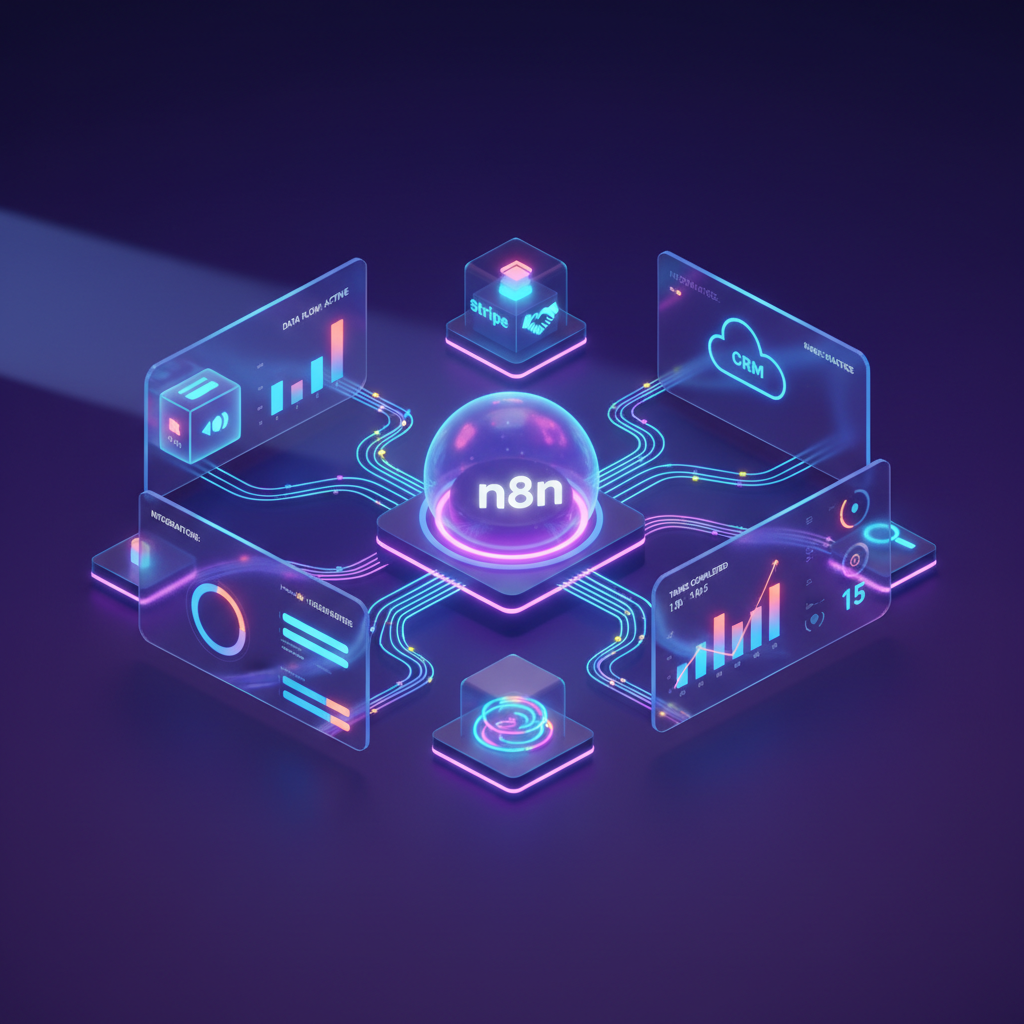
Ready to put it all together? Here’s your game plan for constructing an end-to-end solution that looks polished and works like a charm.
- Set Up Your n8n Instance
- Start locally or deploy on a cloud provider (n8n has great guides for Docker, AWS, and more).
- Secure your instance with authentication and set up a database (PostgreSQL or SQLite works great).
- Create Backend Workflows
- Design automations for user signups, notifications, data syncs, or any other feature your dashboard needs.
- Use n8n’s huge library of integrations (think Stripe, Airtable, Google Sheets) to connect all your data sources.
- Test endpoints—you can expose REST APIs directly in n8n for your frontend to consume.
- Build Your Frontend with Lovable or Gemini
- Sign up and start a new project in Lovable or Gemini.
- Connect your widgets or data sources to n8n’s API endpoints.
- Drag in charts, tables, and data cards to visualize real-time data from n8n workflows.
- Customize and Automate
- Add filters, parameters, or custom scripts using your chosen platform’s built-in tools.
- Set up automatic refresh or push notifications—n8n supports Webhooks and timers out of the box.
- Test and Deploy
- Check everything: form submissions trigger automations, data visualizations reflect live updates, etc.
- Deploy your frontend. Both Lovable and Gemini support easy hosting and sharing.
Essential Tips to Build SaaS Dashboard with n8n like a Pro
Want your dashboard to really stand out? Here are some quick wins to boost your workflow and user experience:
- Modular Workflows: Break down complex functions into smaller n8n workflows. It’s easier to debug and scale.
- API Security: Always secure your public endpoints with API keys or JWT tokens. n8n makes this straightforward!
- Automated Testing: Use n8n’s built-in testing or add scripts to catch issues before they hit your users.
- User Roles: If your dashboard has multiple user types, design your frontend to show/hide widgets based on access levels (n8n can handle access control logic).
- Docs & Onboarding: Both Lovable and Gemini allow you to embed guides or tooltips, making user onboarding easier.
Real-World Use Cases for Low Code Developers
Still craving ideas for how to build your own SaaS dashboard? Here are a few real-life examples low code developers love:
- Sales Analytics Dashboard: Pull in CRM data, payment updates, and outbound emails—automate daily sales reports with n8n.
- Marketing Automation Hub: Trigger posts across channels, track campaign stats, manage leads–all with less code and lots of automation.
- Customer Support Portal: Integrate ticketing tools, auto-reply bots, and keep an eye on key support analytics.
FAQs: Build SaaS Dashboard with n8n
Is n8n free for commercial use?
Yes! n8n offers a generous open-source plan. You can start for free, and upgrade if you need advanced features or managed hosting.
Can I integrate third-party APIs?
Absolutely. n8n shines here — it integrates with hundreds of popular services, or you can use HTTP nodes for custom APIs.
How secure is my data?
Security depends on your setup. n8n lets you run everything on your own servers and apply your preferred security measures.
Conclusion: Start Today and Build SaaS Dashboard with n8n
Launching a SaaS product doesn’t have to mean endless coding sessions and headaches. With n8n as your powerful backend engine, and clean, modern UIs like Lovable or Gemini, you can build, launch, and iterate faster than ever. Whether you want to build a SaaS dashboard for analytics, business automation, or customer management, this low-code approach sets you up for success.
Have you tried to build SaaS dashboard with n8n? Got questions or want to share your experience? Leave a comment below or share this post with your developer friends! Your next app might just be a drag-and-drop away.