
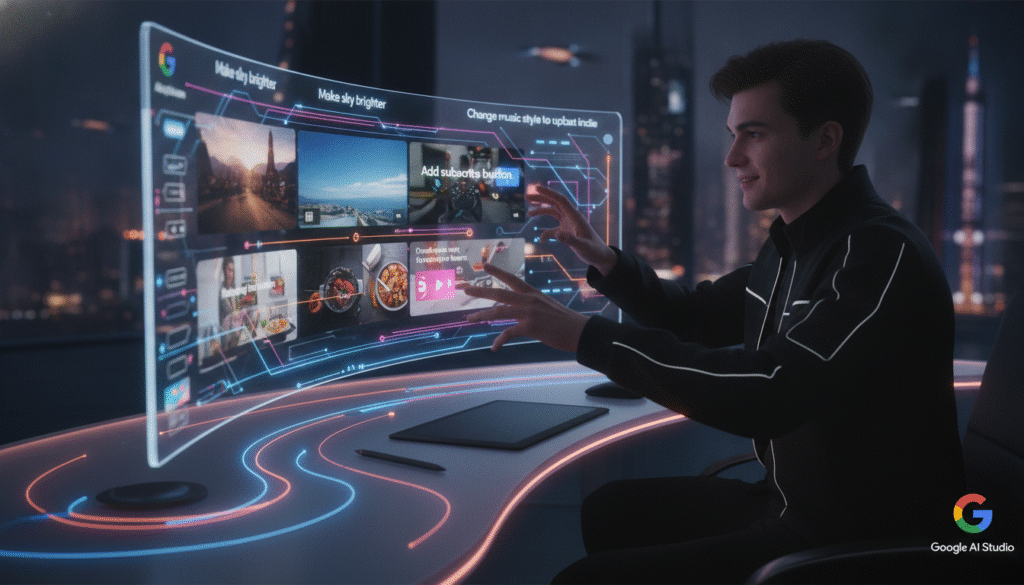
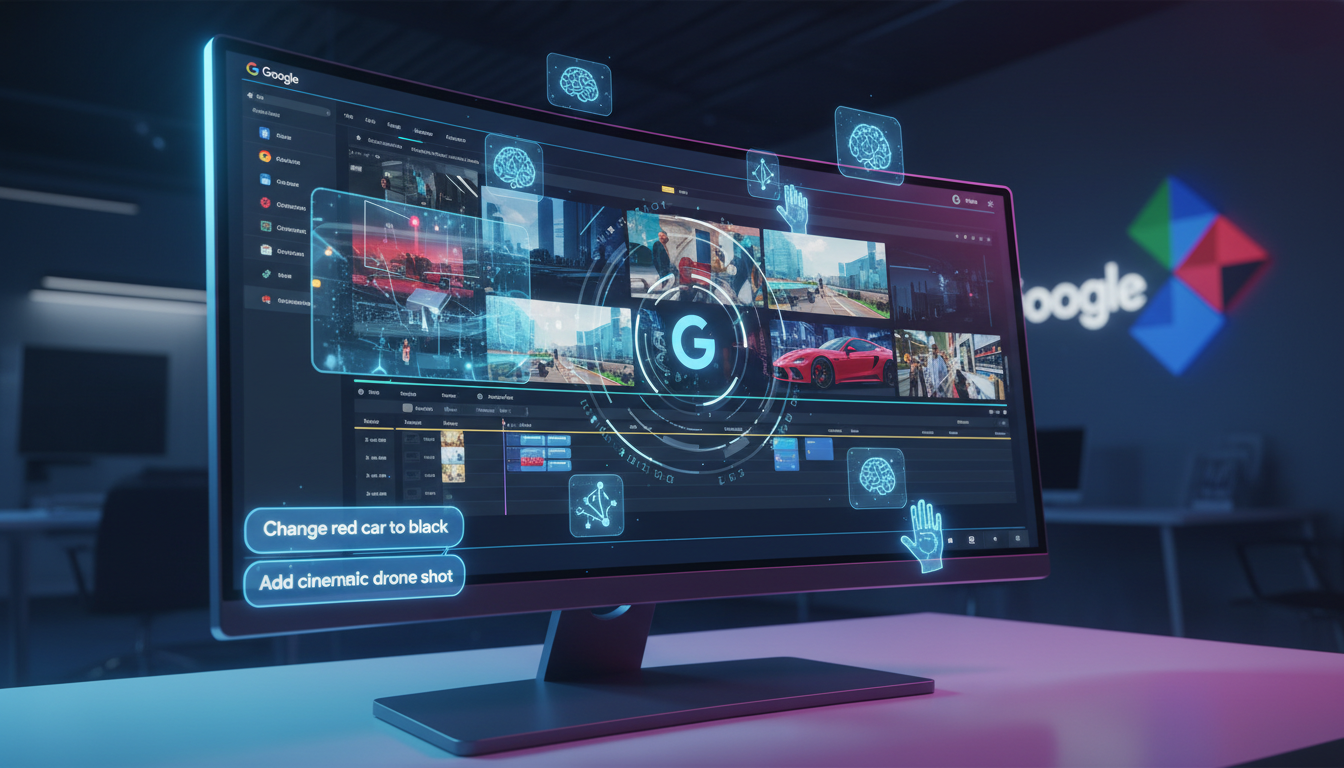
Imagine telling an AI: “Change the red car to black and slow down the second half,” and watching your video update in seconds—no re-rendering, no starting from scratch, no frustration. That’s not science fiction anymore. Google just dropped a bombshell on the AI video creation world by launching Google Gemini Omni Video, making what once sounded impossible totally effortless.
For content creators, this isn’t just a fancy tool—it’s a game-changer. Gone are the days of wrestling with clunky editors or settling for one-shot results that kinda, sorta fit your needs. With Google Gemini Omni Video’s conversational editing, you talk, it listens, and your vision takes shape—fast and fluidly.
What Sets Google Gemini Omni Video Apart?
Most AI video generators use a “generate-and-pray” approach. They pump out a video from your text prompt, and if you spot a mistake or want a tweak, you’re stuck starting over. Not fun, right? Google Gemini Omni Video turns that on its head with something much smarter—dynamic, conversational editing that puts you in the director’s seat.
- Conversational video editing: Make changes on the fly with natural language commands.
- Smooth, real-time feedback: Instantly see edits without regenerating the whole video.
- High-quality output: Get polished, professional-looking videos tailor-made for your style.
How Google Gemini Omni Video Works: The Magic Explained
Picture this: You write a script or describe a scene. Moments later, Gemini Omni generates a video. But here’s where it gets cool. Instead of rigid, one-shot generation, you can:
- Type a change (“replace the sunset with a sunrise”).
- Preview the update right away—no need to wait or restart.
- Repeat as often as you like, making micro or macro changes till it’s perfect.
It’s like talking to a super-talented video editor who never gets tired or misunderstands you.
Key Features That Content Creators Will Love
1. Conversational Editing—It’s That Simple
Editing with Google Gemini Omni Video feels like chatting with a friend. You can say things like:
- “Make the sky brighter in the second shot.”
- “Swap the music to something more upbeat.”
- “Add a text overlay that says ‘Subscribe Now!’ at the end.”
The AI listens, understands, and updates—right before your eyes. No more translating your vision into complicated controls or hunting down hidden settings.
2. Boost Your Productivity
Why spend hours editing video manually or waiting for long renders just to fix a minor issue? With Gemini Omni Video, every tweak happens almost instantly. That means quicker turnarounds, more creative freedom, and faster delivery to your audience.
3. Polish Your Personal Brand
The quality of the output isn’t just “good for AI”—it’s truly impressive. Whether you’re crafting YouTube intros, Instagram reels, or high-impact ads, your videos will look sharp and stylized, ready to wow viewers.
How to Get Started with Google Gemini Omni Video
Ready to streamline your content creation process using the latest Google AI video generator? Here’s what to do:
- Sign up for Gemini Omni: Visit Google’s AI tools platform and register for access (some features may be rolling out in stages).
- Upload or describe your project: Enter your initial ideas using simple text or upload reference images if needed.
- Edit by conversation: Use plain language to make changes—no need for technical jargon or advanced software skills.
- Export and share: Download your polished video and share it on your platforms of choice.
It’s really that straightforward. And if you’re worried about a learning curve? Don’t be. Google Gemini Omni Video is built for everyone—from first-timers to seasoned pros.
Why This Matters: The Future of Video Creation is Here
AI-powered video creation isn’t just a trend—it’s the next major leap for anyone who wants to tell stories visually. Tools like Google Gemini Omni Video are opening doors for creators everywhere by making video editing:
- More accessible (no specialized skills needed).
- Faster and more flexible.
- Fun rather than frustrating.
The Bottom Line: Google Gemini Omni Video Changes the Game for Content Creators
If you create videos—whether for social media, marketing, or storytelling—Google Gemini Omni Video is a tool you need to watch (and use). The time saved, the creative possibilities unlocked, and the pure ease of use means more time for what matters: telling better stories and growing your audience.
Ready to level up your video content with the latest in conversational AI editing? Try out Google Gemini Omni Video today, and let us know how it transforms your workflow!
What would you create with Gemini Omni? Leave a comment below with your ideas—or share this post to help other creators discover the future of AI-powered video editing!


Nice perspective on the topic. You may find TextSong useful — . TextSong